Halloween Phone Wallpapers
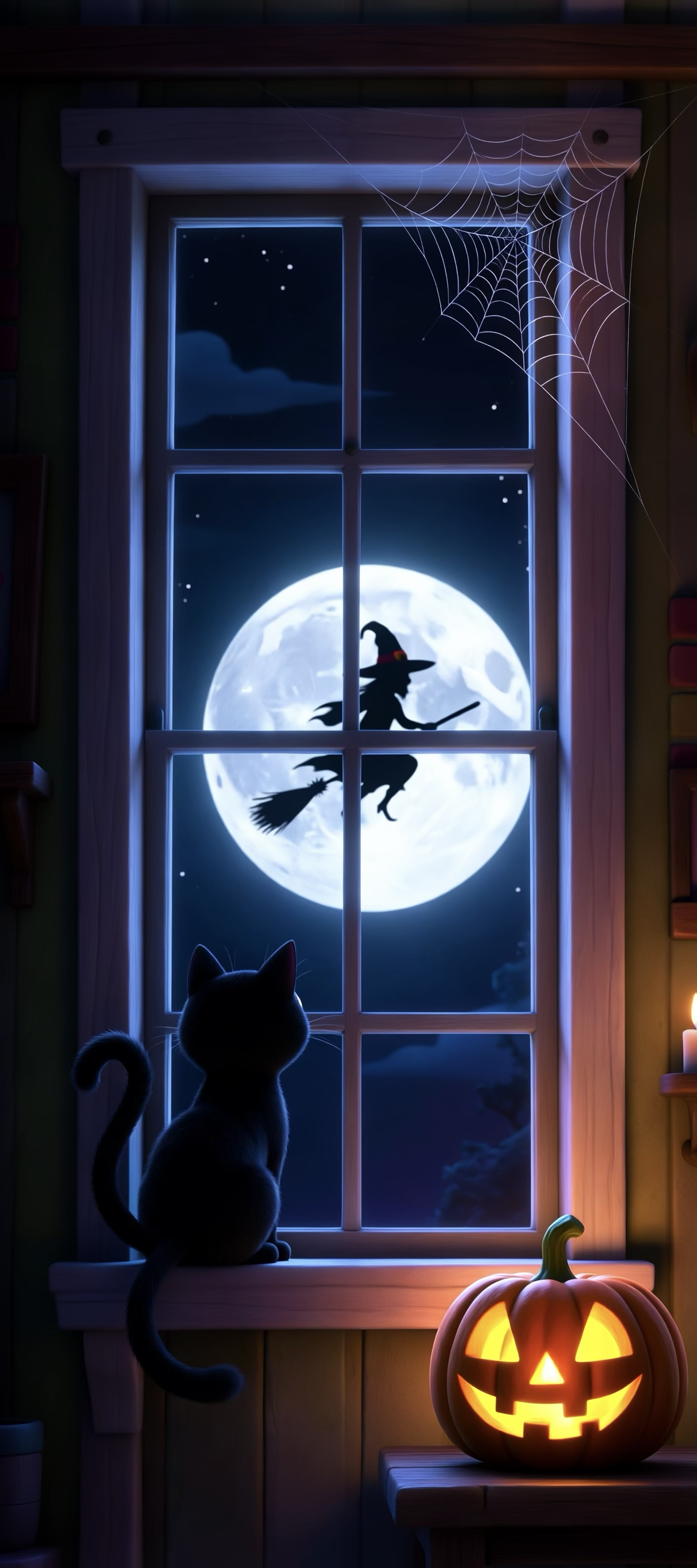
With Halloween coming up, here is a set of phone wallpapers I put together. They were all created with Image Playground on the iPhone. Tap any of them to download the full size image.





Stupid Human Tricks
As I was walking yesterday afternoon, I pulled my phone out to change the song. I placed my foot in a pothole and hit the ground hard. My watch asked if I was alright—I thought I was ok, even better than last time.
I can now say I'm mostly ok. My knee is torn up and sore. It hurts a little to walk. Even a few years ago, I would have brushed this off like it was nothing. But, now I expect to be sore for at least a week. Tripping and falling makes you feel like a fool. You know exactly what you did wrong, and you know for certain you will do it again.
I know what people say—'I wish I was your age again, you're so young.' But nothing makes me feel old like not being able to move around normally.

Missing Them
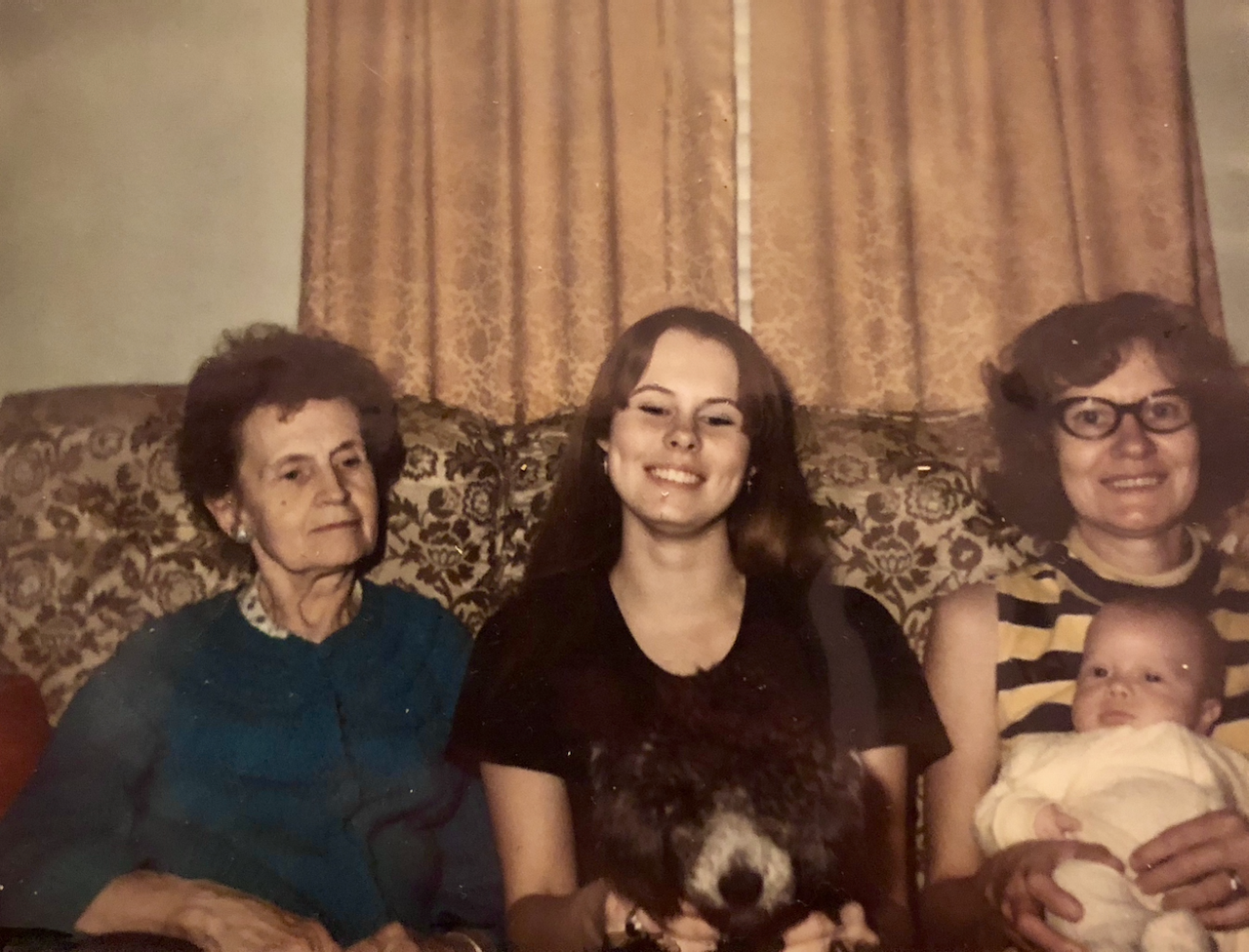
All the mothers day ads really make you think about those we have lost. I wish I had even more pictures of everyone. I'm getting old and sentimental.

Stream Deck and Homekit update.
I mentioned previously using HomeBridge to help control a fan with the Elgato Stream Deck. It felt like overkill and I later found a much more stable solution for this that I'll talk about below. However, Robert Hawdon sent me an update to the original code I was using that saves the current state of the switch so that it can restore the state through a HomeBridge restart or crash.
const port = 3000;

const express = require('express');
const bodyParser = require('body-parser');
const stateFile = './state.json';
var fs = require('fs');
let app = express();
app.use(bodyParser.text({ type: 'text/*' }))

var switches = {};

function saveState() {

	var data = JSON.stringify(switches);

	fs.writeFile(stateFile, data, function (err) {
		if (err) {
			console.log('There has been an error saving the switch state.');
			console.log(err.message);
			return;
		}
		console.log('State saved successfully.')
	});
}

function loadState() {

	if (fs.existsSync(stateFile)) {

		var data = fs.readFileSync(stateFile);

		try {
			switches = JSON.parse(data);
		}
		catch (err) {
			console.log('There has been an error reading the switch state.');
			console.log(err);
		}

	}
}

function getSwitchValue(switchName, trueValue, falseValue) {

	let value = switches[switchName];

	if (trueValue === undefined) {

		trueValue = true;
	}

	if (falseValue == undefined) {

		falseValue = false;
	}

	if (value === undefined || value == false) {

		return falseValue;

	} else {

		return trueValue;
	}
}

function setSwitchValue(switchName, valueAsBoolean) {

	// Don't care about current state of switch - or if it exists or not at this point.
	switches[switchName] = valueAsBoolean;
	saveState();
}

// ==================
// General purpose getter to show the state of all switches in the browser.

app.get('/', (request, response) => {

	// return current state of all known switches
	response.setHeader('Content-Type', 'application/json');
	response.send(JSON.stringify(switches, null, 4));
});


// HomeBridge http switch end points.
app.get('/switches/:switchName/on', (request, response) => {

	let switchName = request.params.switchName;

	//console.log("switchOn called for switch: ", switchName);
	setSwitchValue(switchName, true);

	let switchValue = getSwitchValue(switchName, "1", "0");
	response.setHeader('Content-Type', 'text/plain');
	response.send(switchValue);
});

app.get('/switches/:switchName/off', (request, response) => {

	let switchName = request.params.switchName;

	//console.log("switchOff called for switch: ", switchName);

	setSwitchValue(switchName, false);

	let switchValue = getSwitchValue(switchName, "1", "0");
	response.setHeader('Content-Type', 'text/plain');
	response.send(switchValue);
});

app.get('/switches/:switchName/status', (request, response) => {

	let switchName = request.params.switchName;

	//console.log("switchStatus called for switch: ", switchName);

	let switchValue = getSwitchValue(switchName, "1", "0");
	response.setHeader('Content-Type', 'text/plain');
	response.send(switchValue);
});


// ==================
// Stream Deck MCControl endpoints.

app.get('/switches/:switchName', (request, response) => {

	let switchName = request.params.switchName;

	//console.log("got status request for switch: ", switchName);

	let switchValue = getSwitchValue(switchName, "ON", "OFF");

	response.setHeader('Content-Type', 'application/json');
	response.send(JSON.stringify({ state: switchValue }));
});


app.post('/switches/:switchName', (request, response) => {

	let switchName = request.params.switchName;

	//console.log("switch set post called for switch: ", switchName);

	var data = request.body;
	console.log("Data: ", data);

	if (data == "ON") {

		switchState = true;

	} else if (data == "OFF") {

		switchState = false;
	}

	setSwitchValue(switchName, switchState);

	let switchValue = getSwitchValue(switchName, "ON", "OFF");
	response.setHeader('Content-Type', 'application/json');
	response.send(JSON.stringify({ state: switchValue }));
});


app.listen(port, (err) => {
	if (err) {
		return console.log('something bad happened', err)
	}

	loadState();
	console.log(`server is listening on ${port}`)
});
These days I'm not using HomeBridge at all. But, I still use the fan and turn it on and off with the StreamDeck. I do this with HomeControl for the Mac. This app lets you control all of your home kit devices and scenes with a menu on your mac. It also lets you use control devices with callback urls via the command line. You can create a script and execute that script with a button on the StreamDeck. However, It doesn't show the current state of the devine on the StreamDeck button with this technique.
#!/bin/bash

open -g "homecontrol://x-callback-url/run-action?action-type=switch-device-status&item-type=device&item-name=Fan&home-name=Home&activation-mode=toggle&authentication-token=1234"
You need to get the url to use here with the HomeControl app. There is an auth token that will be unique to your computer. I hope this update helps anyone trying to do something simmilar.

Saying Goodbye to Bailey
We got Bailey when she was about 1 year old in October, 2008. We lost our first cat Trill the next year. Hard to believe that was 14 years ago. It doesn't feel like it's been that long.
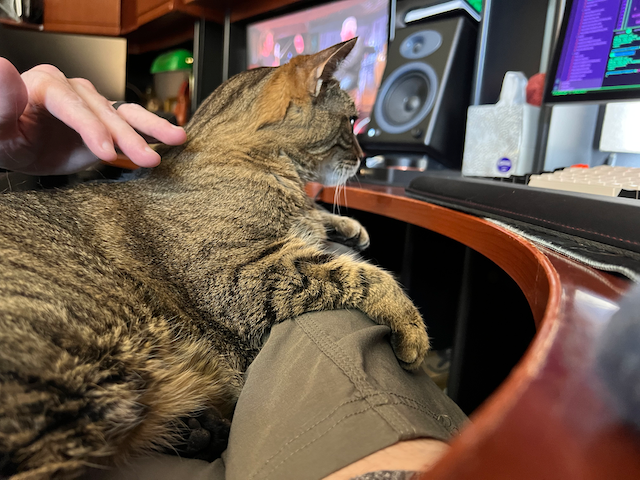
We let Bailey rest today. I miss her sitting in my lap every morning. She was such a sweet kitty.
Better than I expected
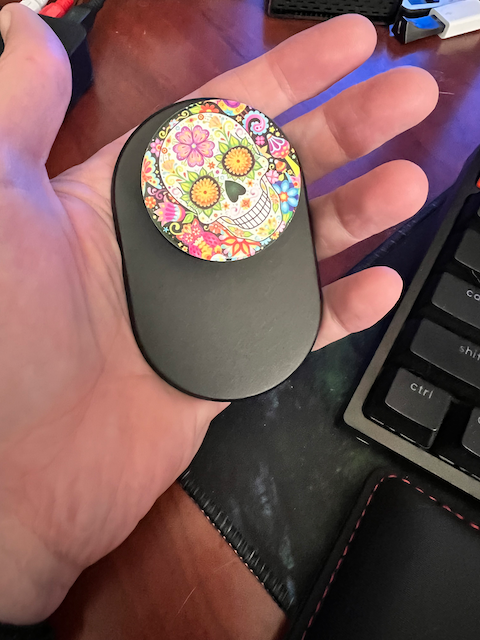
I heard someone talking about these on a podcast. I've never liked the way PopSockets work with the sticky back. I use Qi charging every night with my phone, so I have to be able to have the back of my phone clear. This PopSocket uses the MagSafe magnets and it's amazing how well it holds on to the back of the phone. It only comes off when I want it to. I also did not realize that you could buy grips with an amazing variety of designs on them.
So, I'm pretty happy with this. It makes it easier to hold on to the phone. It's easy to remove, and it stays attached all day. The only downside is that it makes the phone thicker, and if your pocket is already tight it might make it harder to get it out of your pocket.
Walt Disney World Vacation June 2022
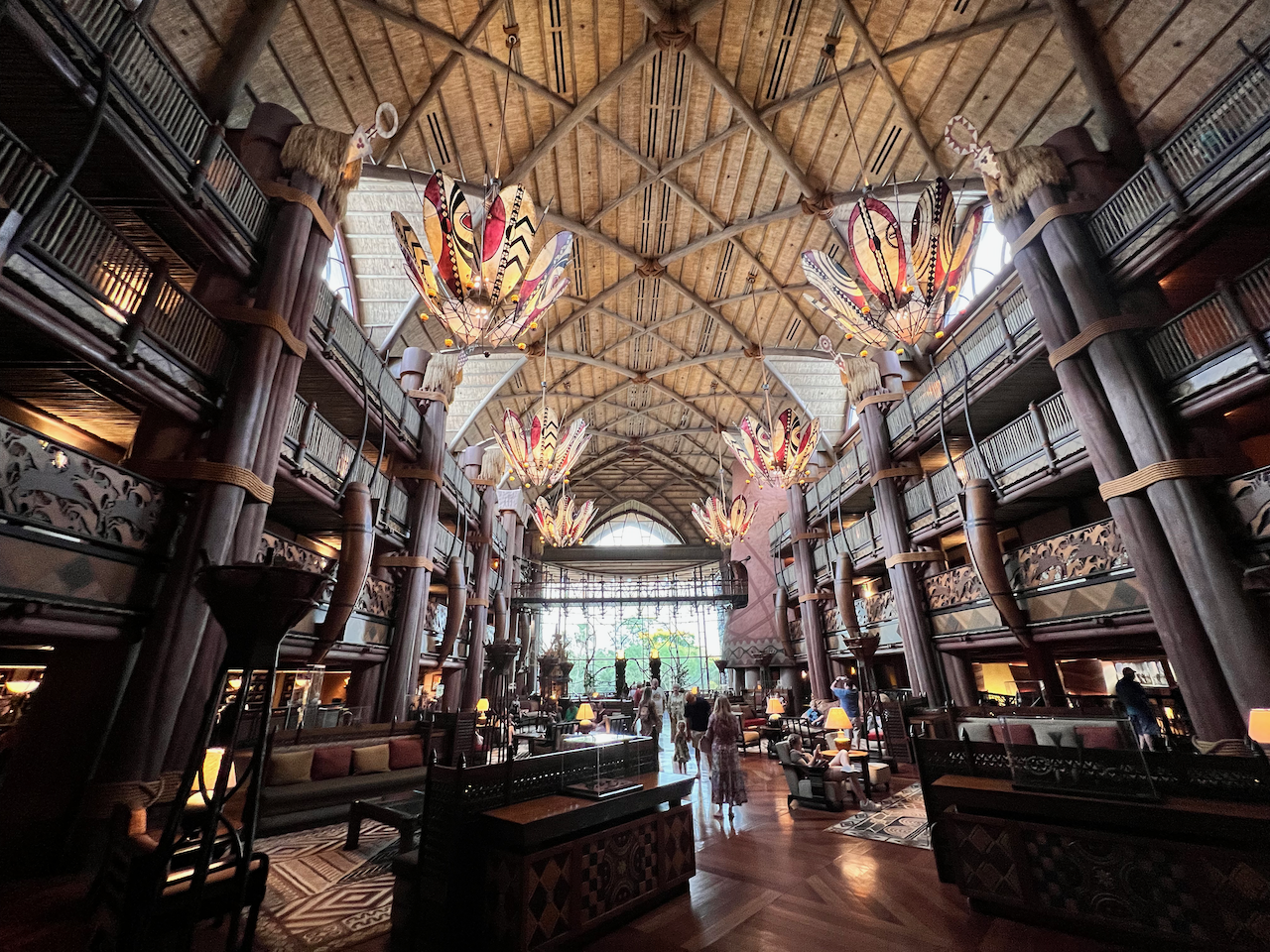
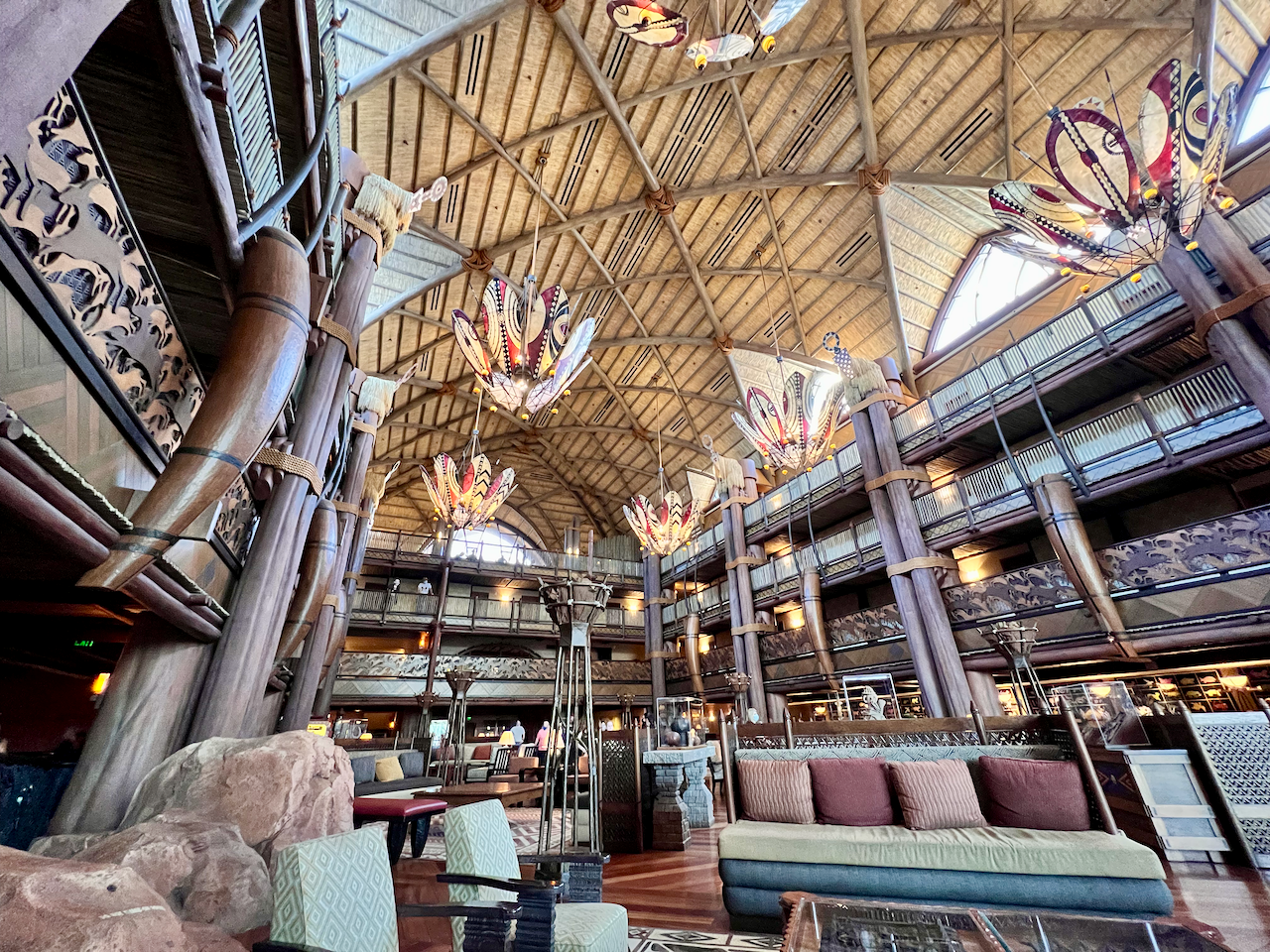
We spent our 28th Anniversary at Walt Disney World. June isn't the best time to visit Florida due to the extreme heat, but it was actually hotter in North Carolina during our trip. We got a standard view room at Animal Kingdom Lodge, and we lucked out with an actual Savannah view. We could see all kinds of animals through out the day. It was amazingly cool.
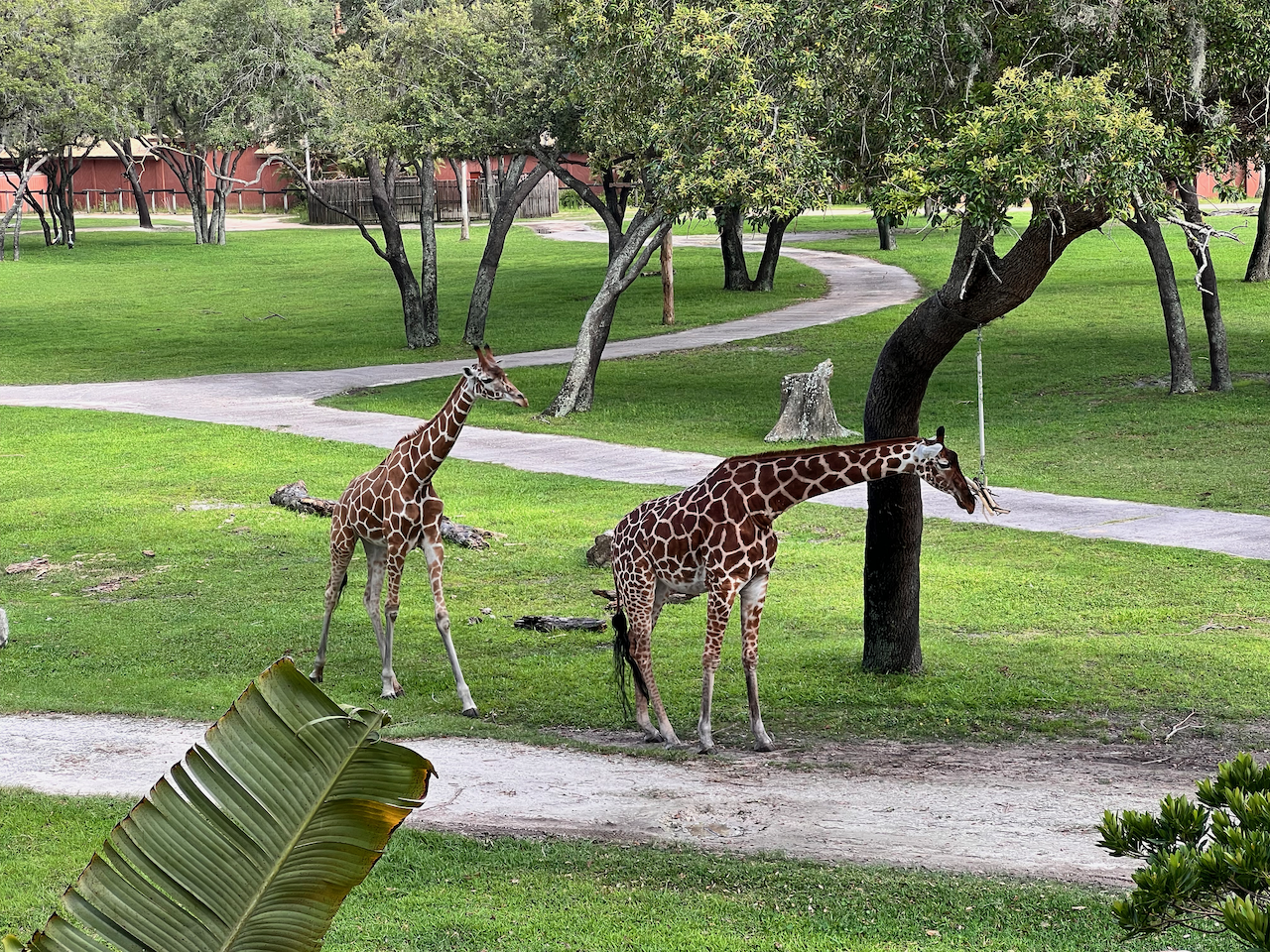
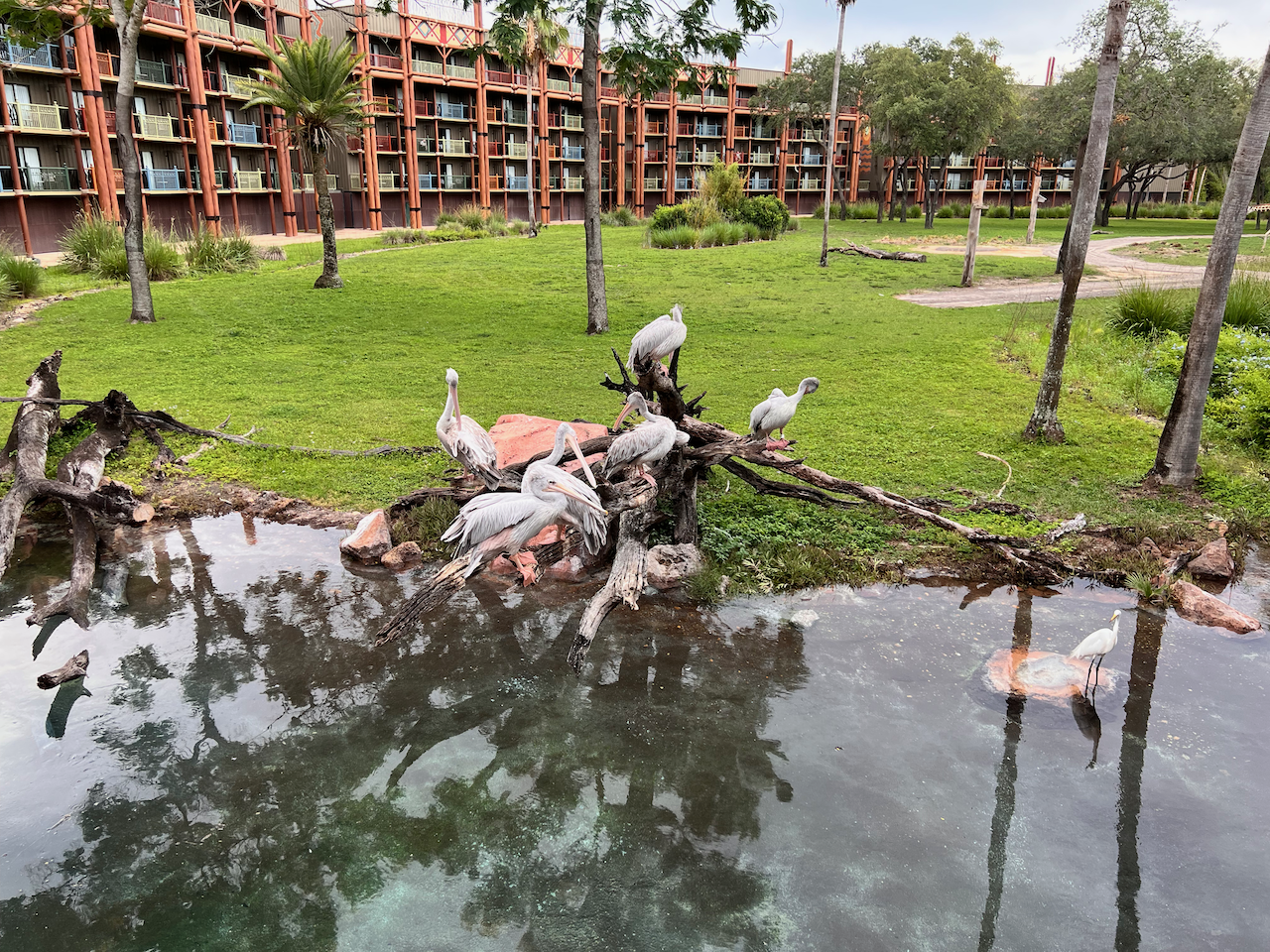
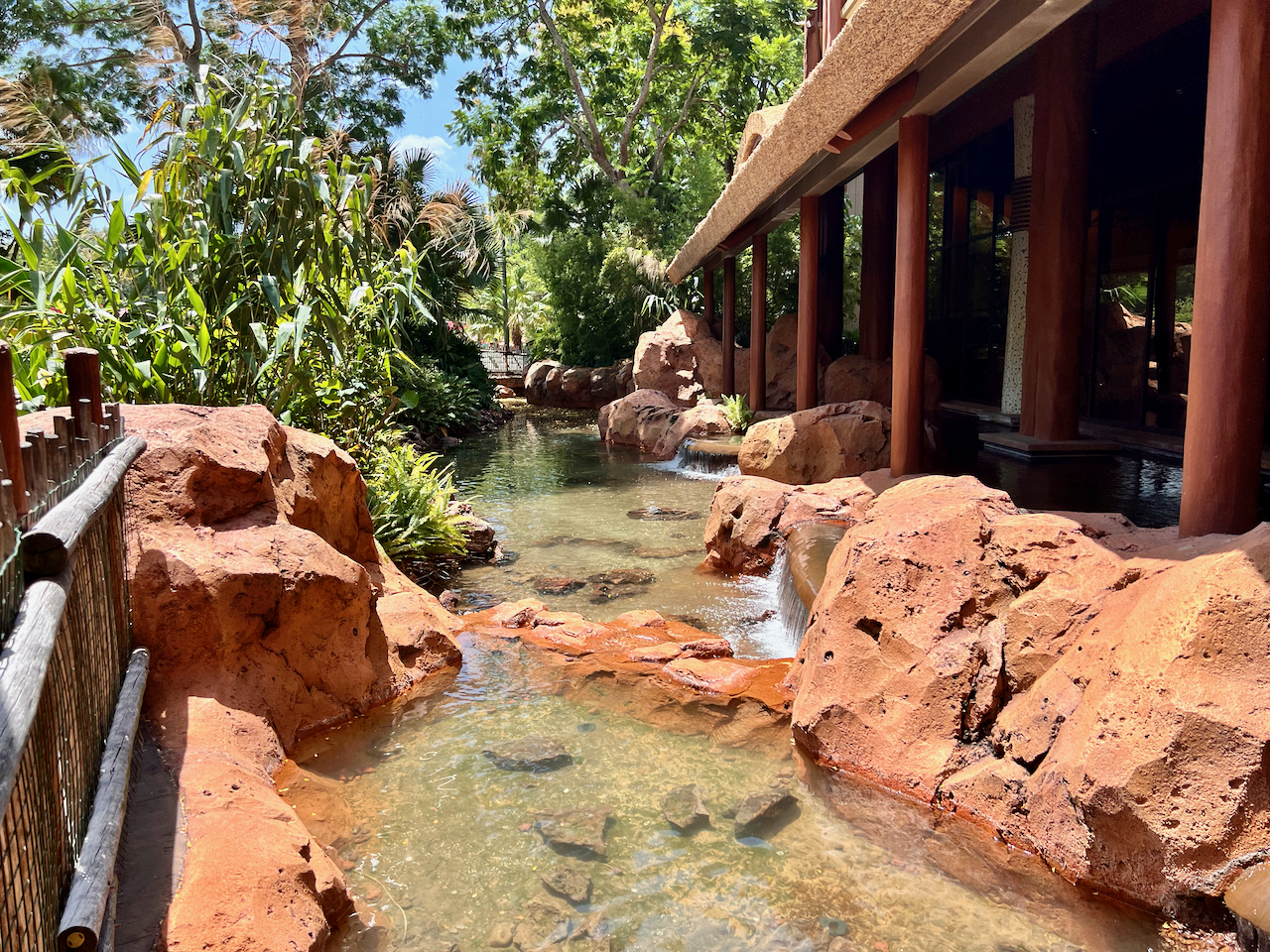
I won't go into great detail about everything we did during our trip. It was food, fun, and way too much sun.
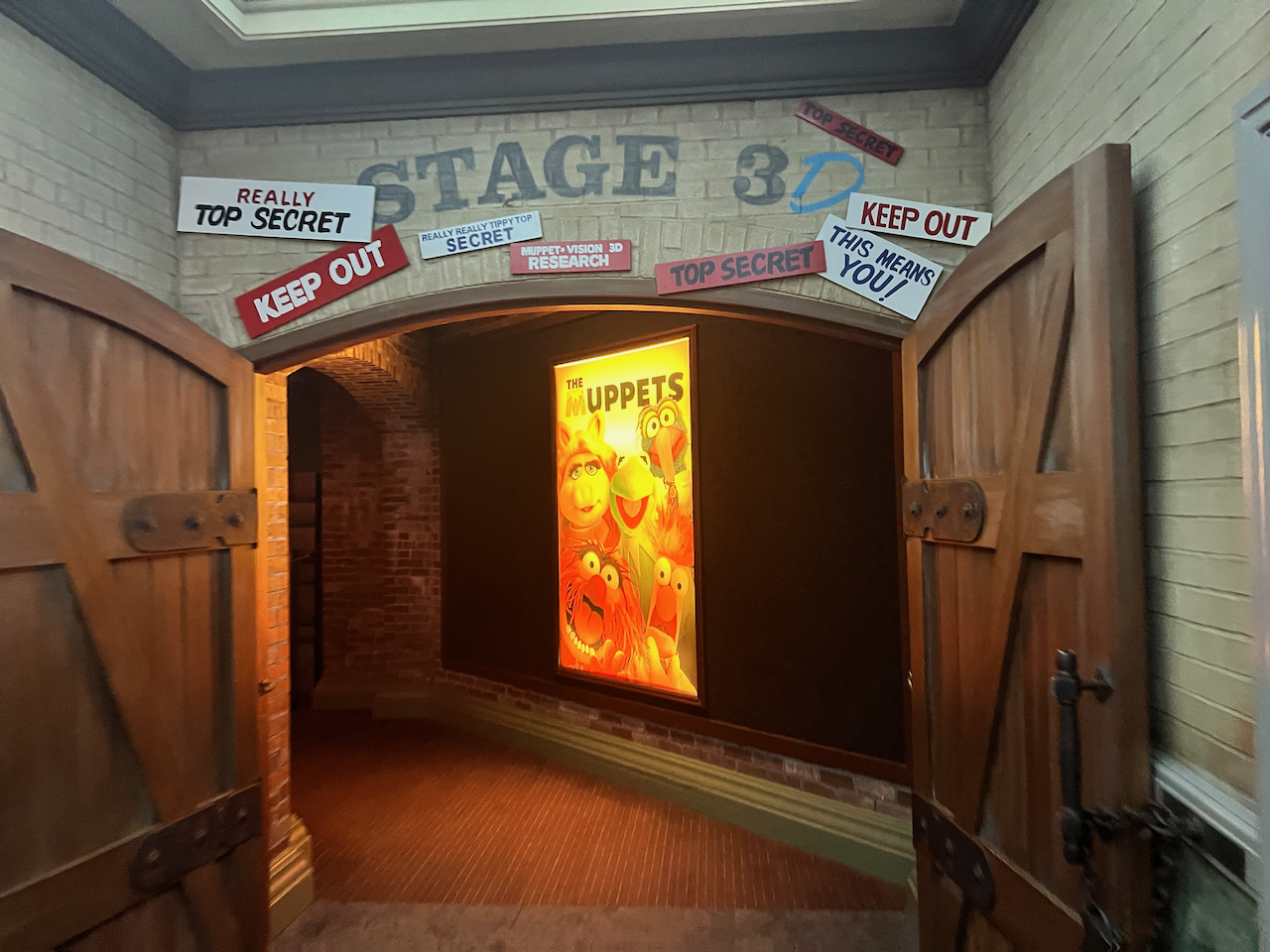
We did get to ride the new coaster in Epcot. Guardians of the Galaxy Cosmic Rewind was over the top. The story was fun, the music was great, and the coaster was way faster and more intense than I expected. I'll ride it again when I can, but I was motion sick after for at least half an hour.







Walt Disney World Vacation February 2022

For my 51st Birthday this year we stayed at Port Orleans Riverside again. We had a great time with our friends, who will hopefully go with us again sometime.
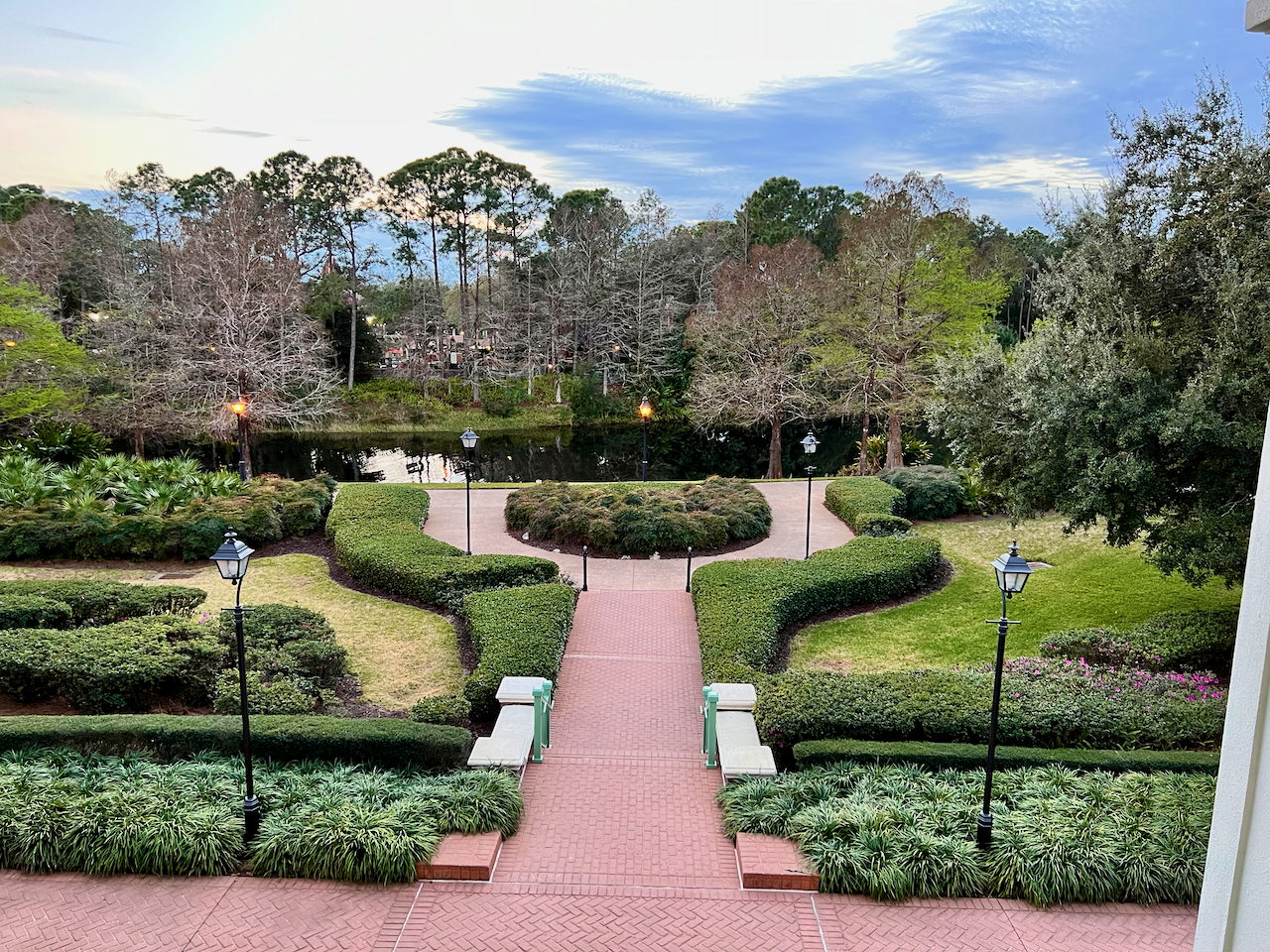
I'll share just a few highlights from this trip.
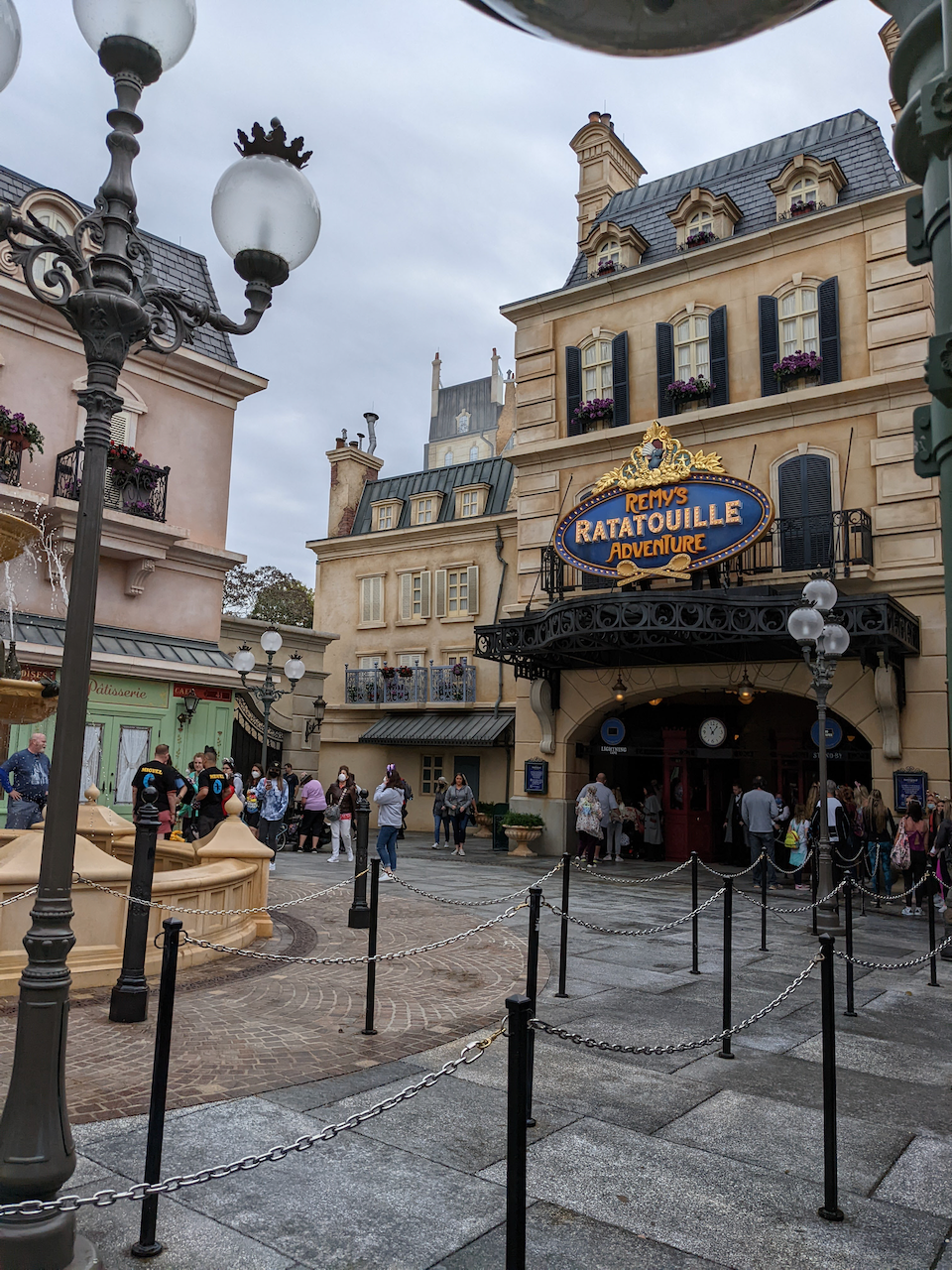
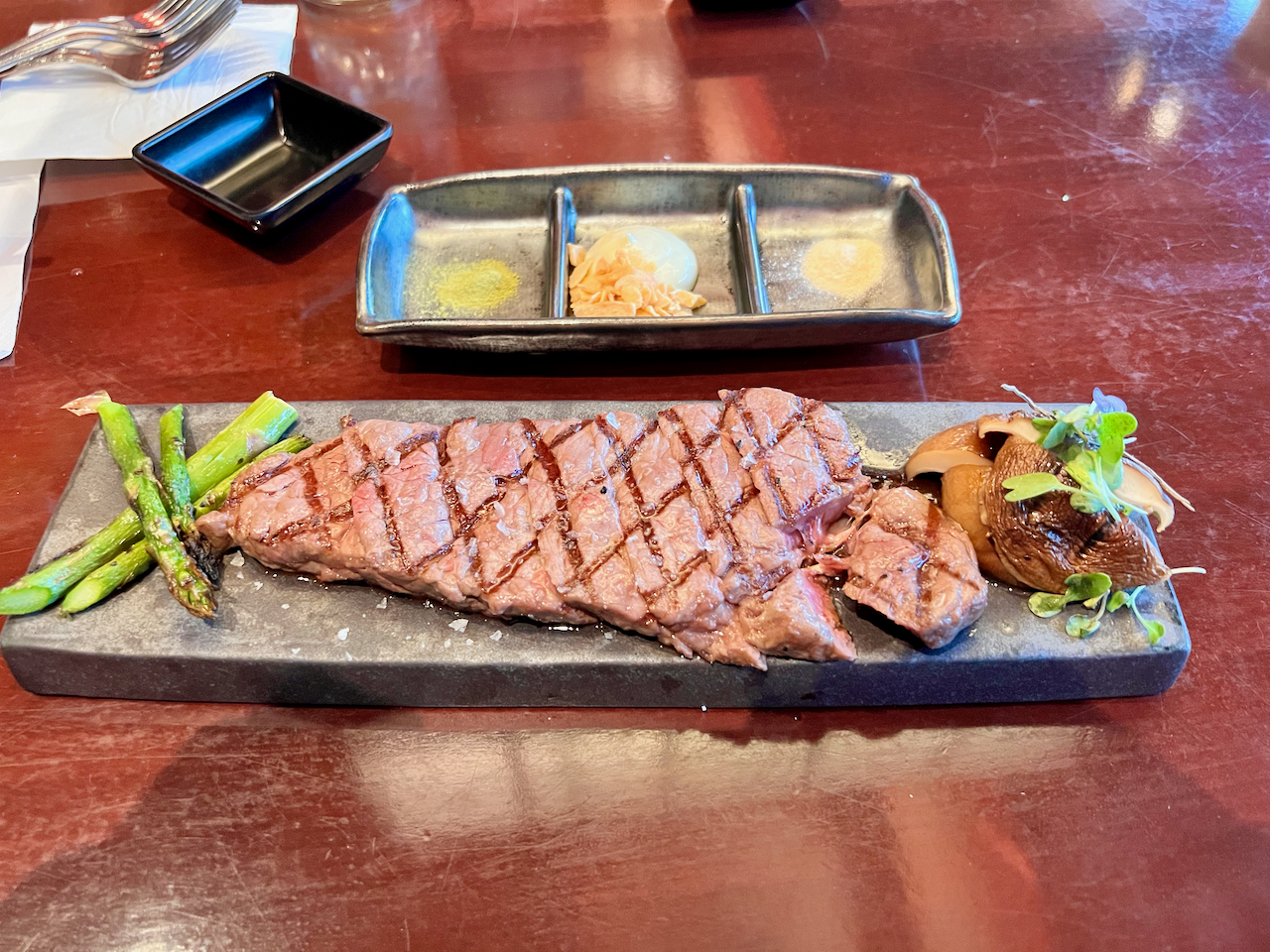
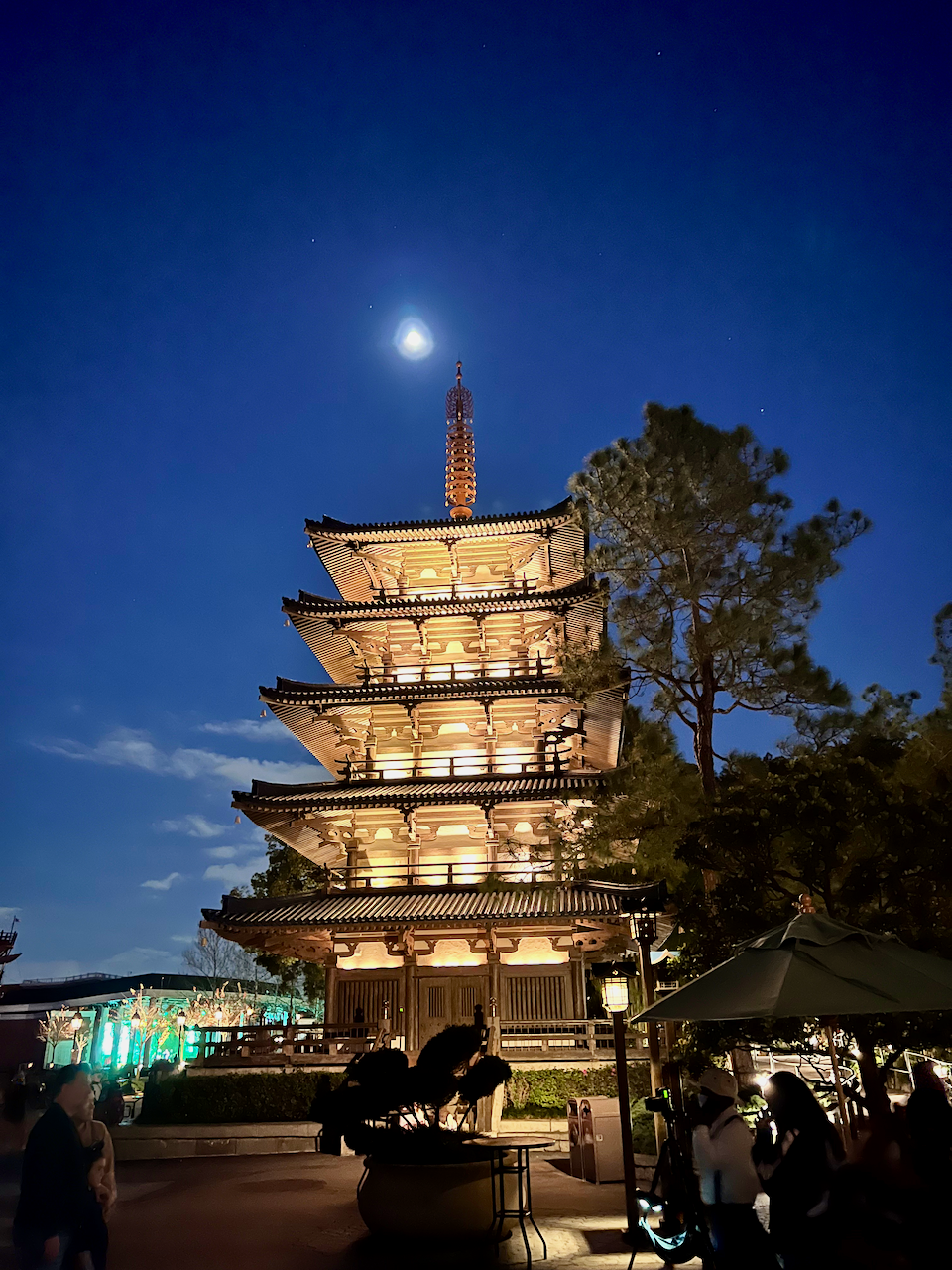
Our dinner at Tokyo Dining was wonderful.
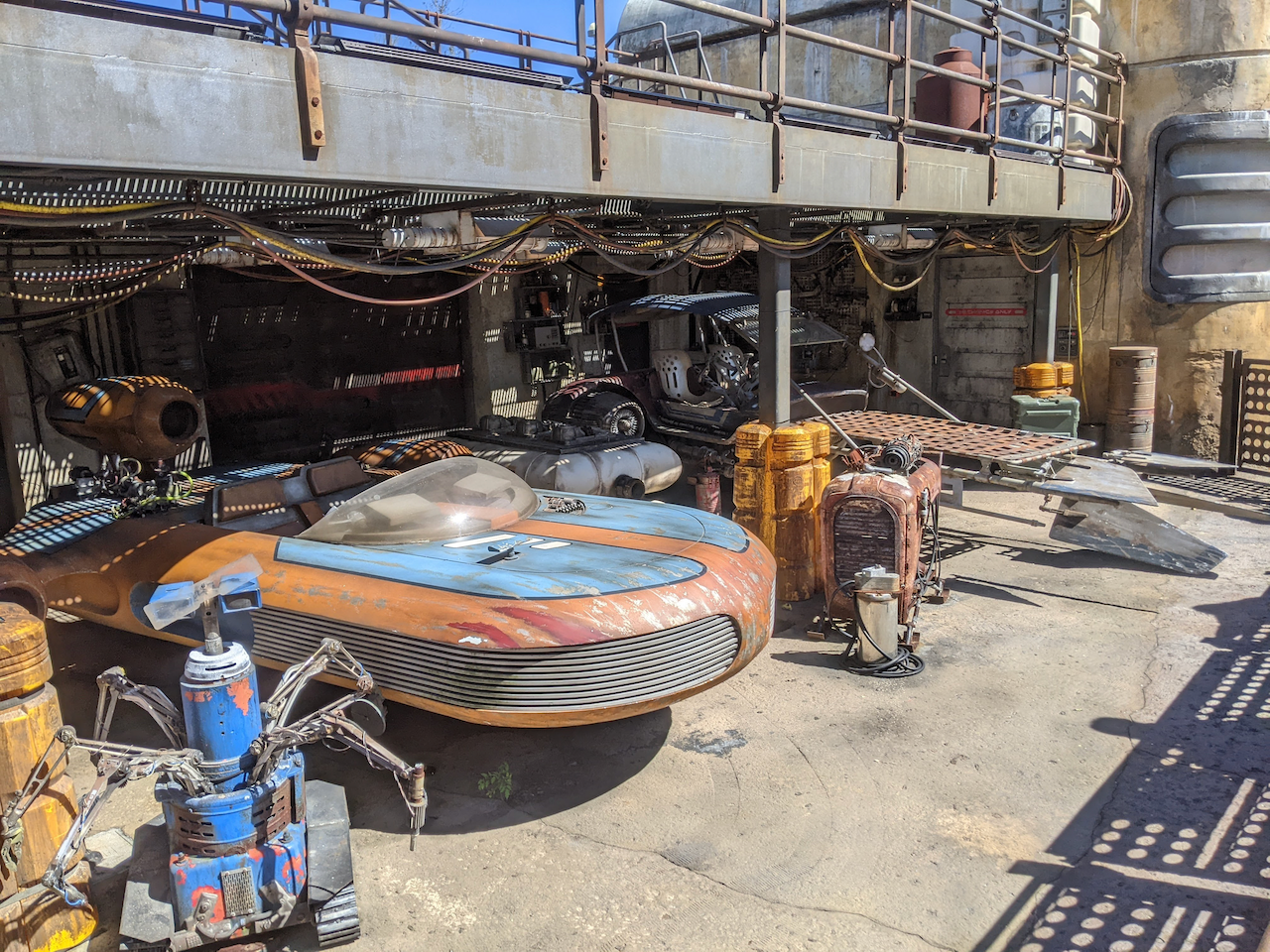
It was fun to watch our friends first time in Galaxy's Edge.


Magik Kingdom was full of magic and wonder, like always.



Animal Kingdom wasn't too busy.


We had dinner at Boma - Yumm!
We got back home with blisters, a flat tire, and needing to catch up on sleep.
Spring Flowers
Just a pic from a recent walk around the neighborhood.