Better than I expected
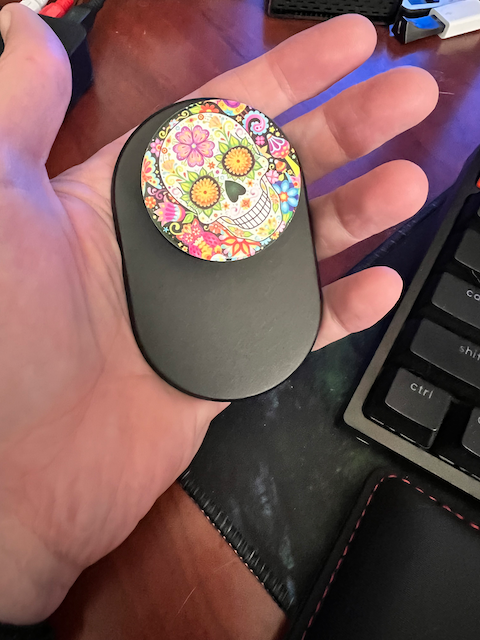
I heard someone talking about these on a podcast. I've never liked the way PopSockets work with the sticky back. I use Qi charging every night with my phone, so I have to be able to have the back of my phone clear. This PopSocket uses the MagSafe magnets and it's amazing how well it holds on to the back of the phone. It only comes off when I want it to. I also did not realize that you could buy grips with an amazing variety of designs on them.
So, I'm pretty happy with this. It makes it easier to hold on to the phone. It's easy to remove, and it stays attached all day. The only downside is that it makes the phone thicker, and if your pocket is already tight it might make it harder to get it out of your pocket.
Particle System Simulation
Decided to revive a program I liked in college.
I was doing most things in Turbo Pascal then. I remember spending hours tweaking it and leaving it running like a screen saver.
A New Retro Computer
I just pre-ordered the Mega 65. It's a farily expensive modern FPGA based 8-bit computer. It can emulate multiple retro computers as well as the C64. Yeah its a little too expensive I think, but I really wanted to support the creation of this.
Some great streams discussing various aspects of the computer and programming on it.
I'm really looking forward to seeing progress on the Commander 16 as well. This is another modern retro computer that is taking a different aproach.
A Nearly New Commodore 64
Seriously thinking about trying to find a Commodore 64 case and keyboard in good condition to try this solution out. This would be much easier than recapping and fixing the original. So many of the original chips are hard to get these days. Would need to source a new power supply as well, but you can get those from multiple places.
Watch on YouTube
Mac Studio Upgrade
I finally upgraded my iMac Pro to the new Mac Studio.
What I Got
- Apple M1 Max with 10-core CPU, 24-core GPU, 16-core Neural Engine
- 64GB unified memory
- 1TB SSD storage
I probably should have went ahead and got more internal storage. I was worried about spending too much, but that would have been a good upgrade.
I need to think about updating our network storage anyway.
Initial Impressions
I've only started using it, but so far its crazy fast and very very quiet. My older iMax Pro's fan could get loud at times. The few thigns I have tried with this new machine have all been silent.
I also ordred the new Apple Studio Display. Until it arrives I'm using an LG 4K display, which is pretty good, but not nearly as good as the 5K display on my older iMac. I'm a big fan of Apples displays. I still use the older Apple Thunderbolt Display.

Software Update V11
I was talking about the new Tesla update V11.0, and all the complaints people have with it. I still think its a great update that makes things mostly easier and more simple. I have seen several videos of people responding to some of the common complaints with mroe info and helpful ways of using the new changes. Here is one of the better ones I have seen.
Watch on YouTube
Software Update
Tesla pushed a new software update over the holidays that changes a bunch of user interface behavior and adds a few great features. V11.0 became available for me on the 24th. I started the update, while reading about other people freaking out over the changes. Some unhappy people out there.
I understand some of the complaints, a few features have become an extra click away. But, for the most part the interface is simpler and should be less confusing to use while driving. There were so many cases where I hit the wrong button while driving. I'd turn my seat warmer on while trying to change the temp. They have added more space around the buttons, and allowed for you to put your favorite apps on the bottom bar.
Features
- Tesla Light Show - Silly feature that some people seem to love, but I'll never use.
- New User Interface - Simplification, easier to use, more consistent.
- Updated Navigation - Simplification.
- Games - Sonic might make me get a controller for the car, to play while supercharging, thought I never spend that much time in the car.
- Entertainment - Tiktok, I'd use that. I have used Youtube a few times.
- Audio - Separate Subwoofer level. Nice to have.
- Blind Spot Camera - WOOOT, I love this. turn signal can turn the blind spot camera on for you.
- For every Model 3 and Model Y, we’ve also added automatic seat heater functionality - also very nice.
- Waypoint improvements - very nice to be able to add additional waypoints in the navigation. Now if we could fully use this via the app or on the internet.
Overall
For the most part I think this was all a big improvement. I've seen people complain that the trip screen was easier to use while driving before, but I don't think thats so important for me. Making things easier to use while driving is good. Moving things that you probably shouldn't be using often while driving to a sub menu is fine. I think for a new user this will be easier to understand and learn how to use.
The blind spot camera activation feature is a great safety feature that should have been there all along.
A New Car!
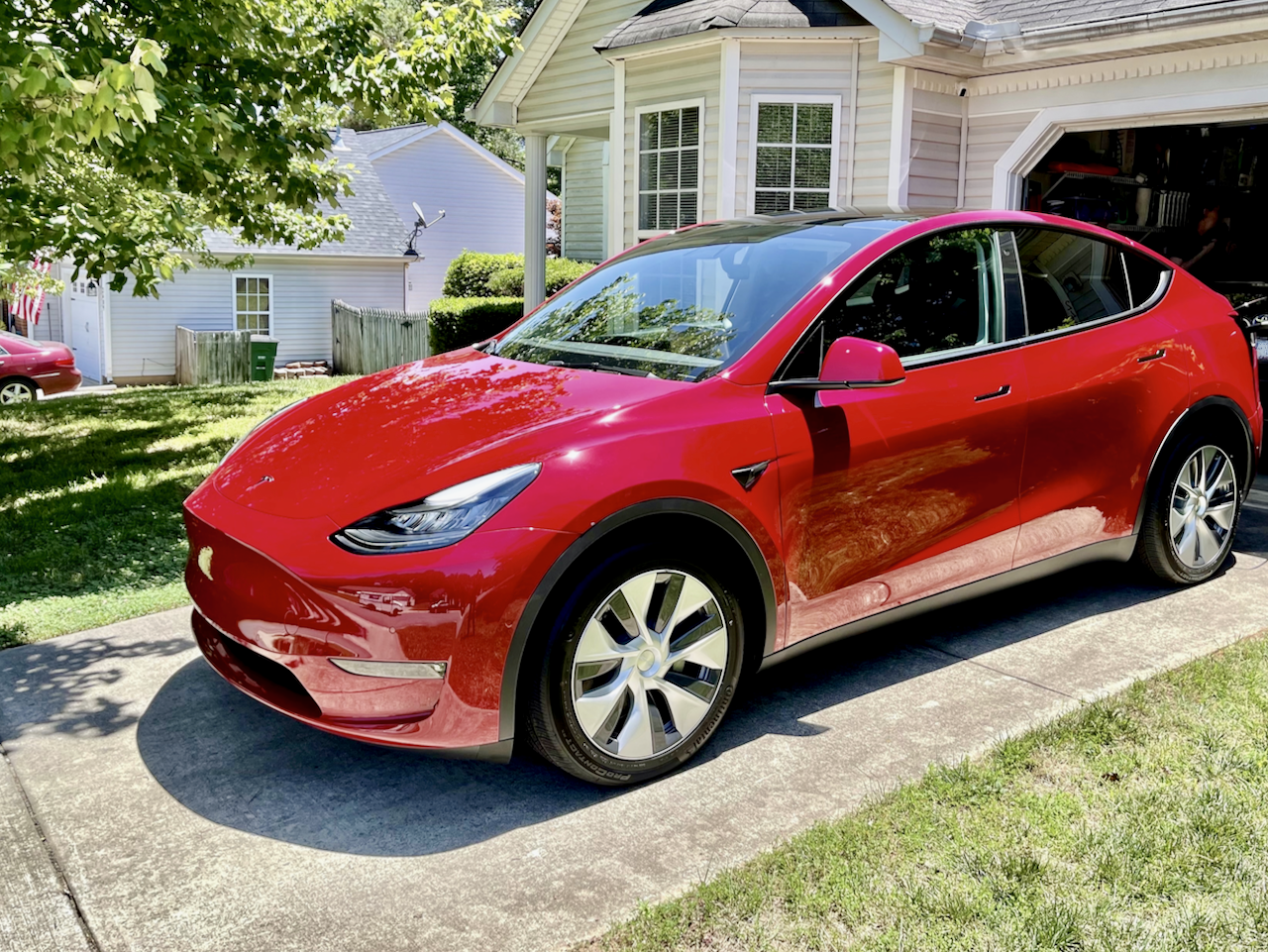
We decided recently to go ahead and sell our pre-owned Tesla Model S and get a new Model Y. We happened to order during a very busy time for Tesla. It also happens to currently be their most popular car. Amazingly we only had to wait about 5 weeks for our car to arrive. The process was mostly smooth. Our initial delivery date was delayed a couple of days. I can't image the logistic complexity of shipping cars all over the country.
What we ordered
- Tesla Model Y
- Long Range All-Wheel Drive
- Red Multi-Coat
- 19" Gemini Wheels
- Basic Autopilot
- All Black Premium Interior
There were no major issues at all with the delivery. There might be a small door gap issue with the trunk, but it's barely noticeable and does not appear to be causing any issues. There might be an issue with the passenger side front door. It seems a little harder to close sometimes. We'll give it a week to see if it continues. Overall, we are super happy with this vehicle. It's better than the older Model S, and super fun to drive. I can't wait to take some longer trips in it. We will likely drive it to Walt Disney World later this year. We did make one trip in the Model S to Disney, and that went well but we will be able to stop fewer times in this long range Y.
Accessories we are getting
- 3D Max Spider floor mats
- Evannex screen protector
- Under seat storage drawer
- Extra Gen 2 Mobile Connector Bundle - one at the house, one in the car
- Nema Adapter Bundle
I'm still really not sure about doing paint protection wrap. It's very expensive. I might watch some videos on doing it yourself. Not so sure about that yet.
Half-Life Alyx
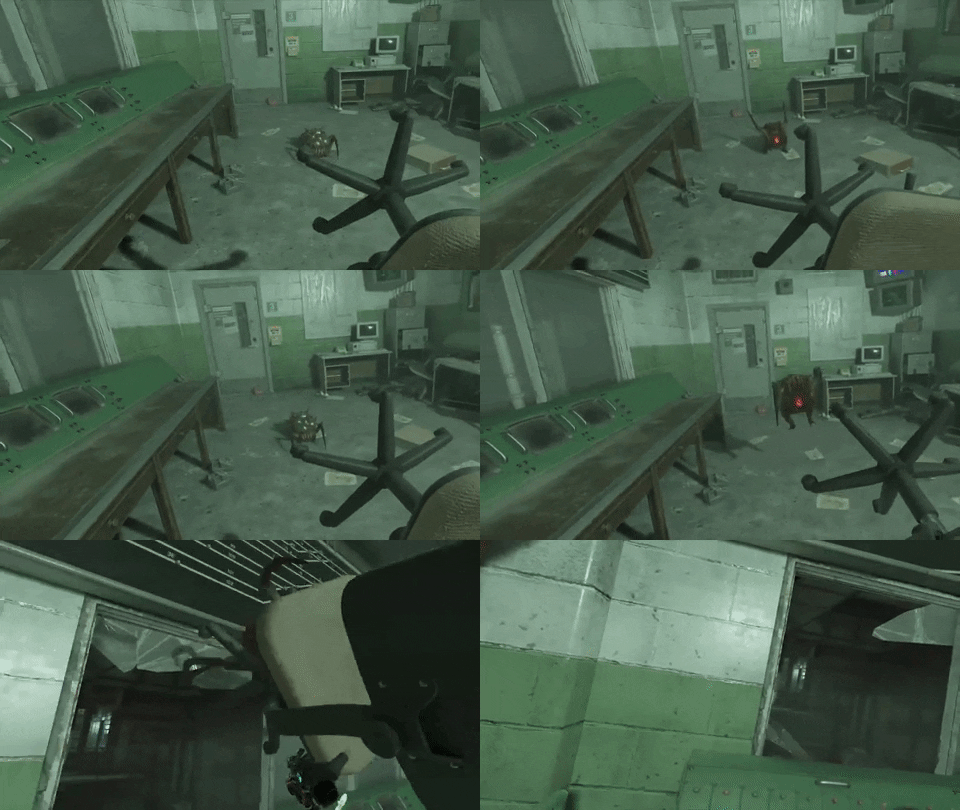
I recently got the Valve Index and started playing Half-Life Alyx. Wow! This is an amazing game that happens to be VR. I'm a little over half way through the game and I can't wait to play some more. My legs and feet have been aching from standing for multiple hours playing. Valve have been praised on many occasions for the ground breaking Half-Life series of games. Half-Life Alyx is another game worthy of praise. It feels like a natural fit with the others. But, it also makes VR feel totally normal. The puzzles and fights are all perfectly paced for VR, hard but not impossible. Fun and not frustrating but also not too simple. I have found myself feeling totally immersed in the world. I can't wait to see how the game ends.
Valve Index - First Impressions
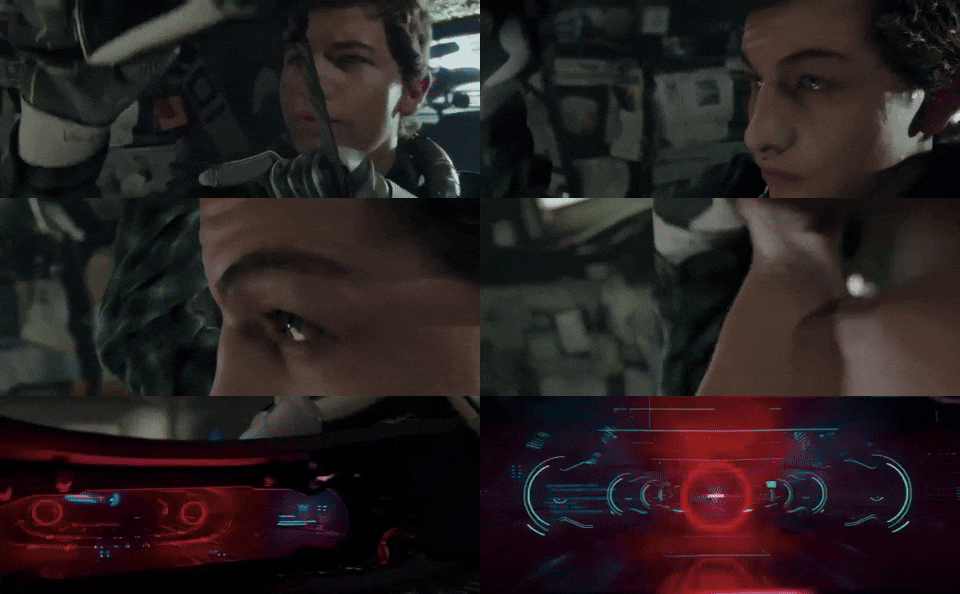
I recently got the Valve Index VR Kit. I was on the fence for some time about which PC based VR setup to get. But, I got to try the Index recently and liked what I experienced.
I had spent some time with the 1st generation Oculus Quest and Playstation VR. I used Oculus Link with my gaming PC to try out Steam VR games. The link cable solution is ok, but the quest is just not very comfortable for long term play. The quest shines with wireless play. If only Facebook would keep them as a separate entity. They now require the Facebook login for using the Quest and I have no intention of doing business with Facebook ever again. So I needed something else.
The Index is a higher end premium VR headset with best in class controllers. The kit also comes with two base stations used for tracking you in the play area. I almost just barely enough room to play in my office. I could honestly use a few more feet of clear space to be comfortable. But, it's good enough for now.
The headset is super comfortable and easy to adjust. You can get custom lenses if you need glasses. I'm not sure if you could wear glasses with it. The only downside to the headset is the cable that runs to your PC and to power.
The controllers are fabulous. Best controllers I have used so far. They do reasonably good finger tracking, depending on how the game handles it. The only downside to the controllers I have experienced so far is the system button, its supposed to be harder to hit, but I find it impossible to hit when I need it, and I still accidentally hit it occasionally.
The base stations require power, but connect to the computer wirelessly. They can be mounted to the wall, on stands, or you can just set them on shelves. I have had no issues with them so far. The tracking is great as far as I can tell.
I haven't figured out how to use the passthrough mode with the index yet. I'm sure it won't be hard to figure out, but the Quest was easier to set up and a little more forgiving in many ways. I think Valve should steal a few things from Oculus to make things easier.