Apple M1 Review and Looking Ahead
Apple released some entry level computers this year with their new in-house processor the Apple M1. There have been many reviews on these new machines. I got one of the 13" Macbook Pro and it is amazing. It makes my iMac Pro feel old. If you need a new Mac it would be hard to go wrong by getting one of these entry level M1 Macs.
But, what I'm more interested in is one of the rumored high end Mac Pros, that are likely to get the 2nd version of the new M1, an M1X, or even an M2. If the current Mac Pro had been a little cheaper I may have gotten one, but the price was just too damn high for me. The idea of a smaller Mac Pro with the new processor and even a new Apple made monitor gets me super excited. I just wish it was here now.

Interesting Math Problem
I thought this was interesting. It comes down to order of operations, and how you interpret the equation. Depending on where you learned math, you might get a different answer.
Watch on YouTube
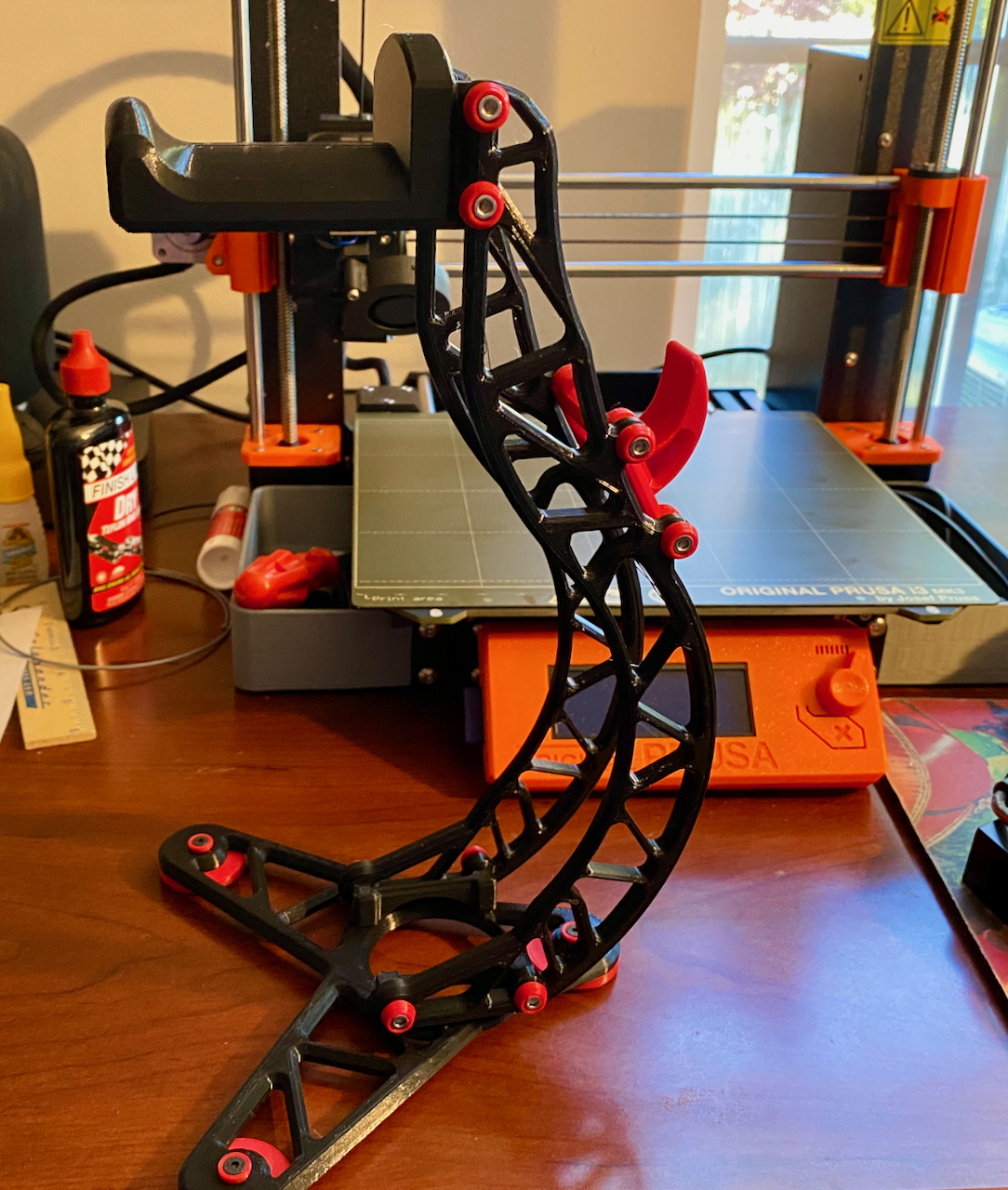
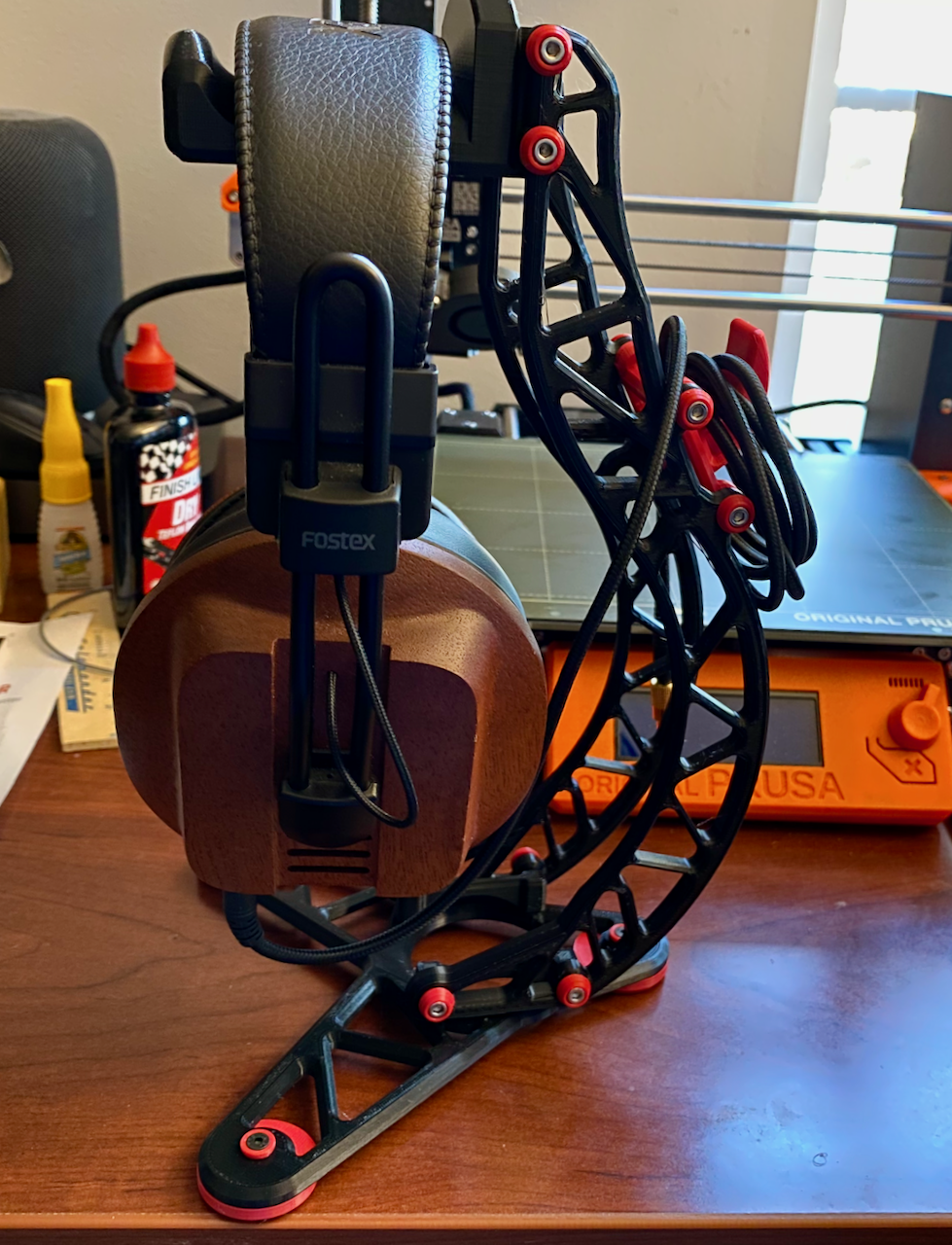
Another headphone stand.
I have been printing some headphone stands. I have a few pair of fairly nice headphones and only one stand. Well I had only one stand. I have a couple now. This latest one is pretty nice.
Headphone Stand on Thingiverse
This one does require some M3-8mm and or M3-10mm screws and some time to print all the pieces. I didn't really have any issues with the prints. There were suggestions on fill ratio and using rafts for some of the parts. Pretty Nice!
Darth Vader Bust
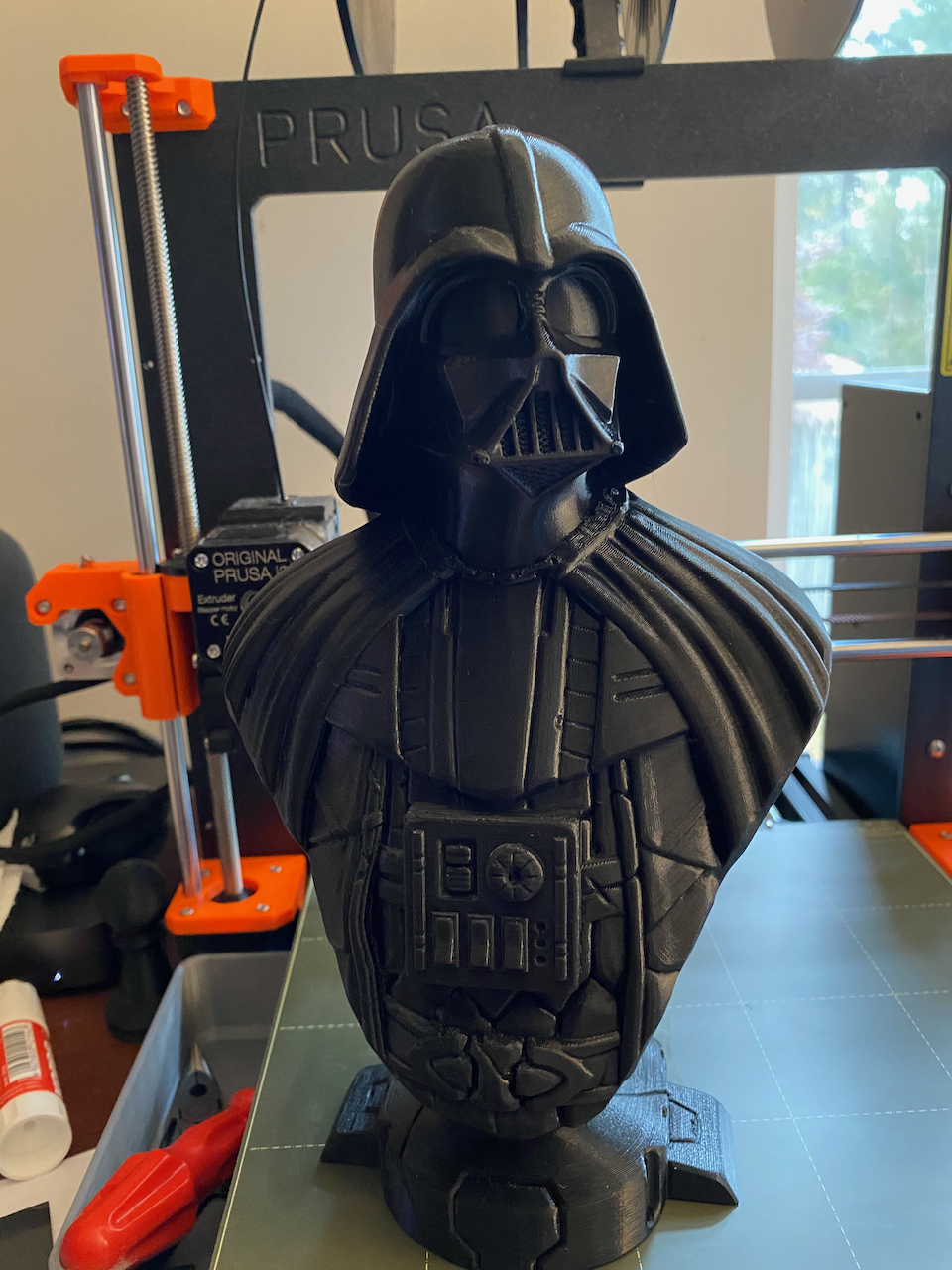
This print took quite a while. The base was around 6 hours, the first attempt at the bust failed after 7 hours. And the second attempt took around 13 hours to complete. I still need to glue the base on, but I'm overall pretty happy with this one.
Latest 3D Print
I still haven't spent much time tweaking the printer to improve the quality. This picture is very zoomed and really highlights the layers. In person you can't see them this plainly. I continue to be amazed by the quality of this printer. I have had plenty of the common 3D printer issues, not sticking to the bed, support falling over and messing things up, having to mess with first layer height, and I'm sure there will be more things that I have to mess with. But, thats just having a 3D printer. It's never as easy and straight forward as you would like. Machines need maintenance, cleaning, and repairs.

Prusa i3 MK3S - First Print
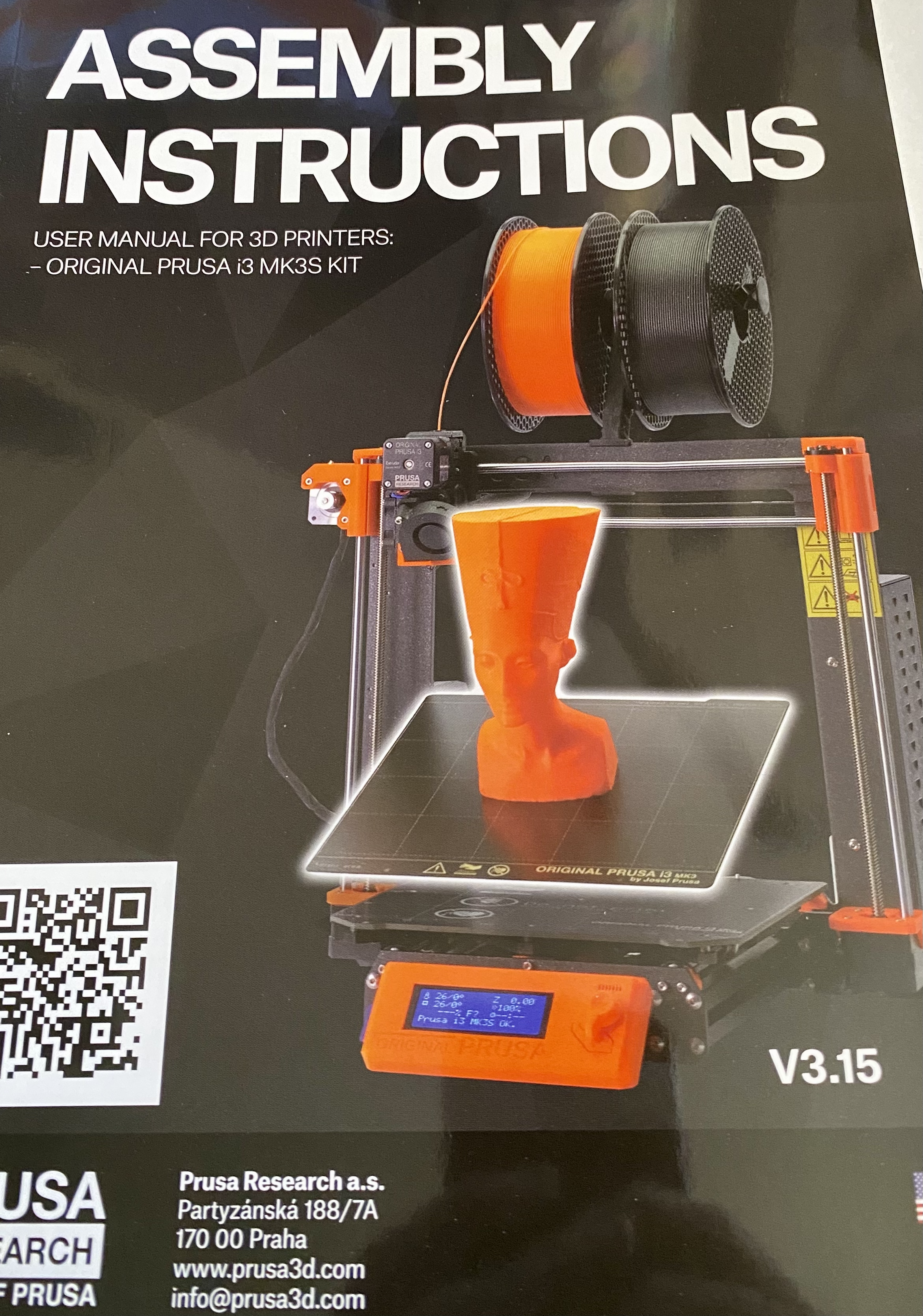
It took a couple of sessions to complete the build of my new 3D printer. It was a pretty easy build with a great manual. The online version of the manual has some additional pictures with more detail. The online version was very helpful in a few spots. The computer component was the the only part of the build that I found frustrating. Lots of wires going into a small box that sits at a weird angle. More cable management and maybe a two sided board and enclosure could make this part easier.
I went through the start up process and calibration with ease. There are some helpful videos on the Prusa site that can help with these steps and show you what you should expect. There is even a whole separate manual that talks about common issues and how to resolve them. I did not have a single issue. I do think I could stand to go through the calibration again. I'm not sure I got the first layer height perfect.
For the first print I went with the Benchy model on the included SD card. I get the impression that my print is far from perfect, though it is better than any printer I have previously owned. Hopefully I'll be able to dial this one in as I use it and get even better results.
Watch on YouTube
Prusa i3 MK3S
I got a new 3D printer to mess with. I went with a kit version to save money, but that means I have to put it together. Not sure I will finish this weekend.
Making myself stop.
I have been struggeling with Facebook and Instagram lately. I like using Instagram. Some of my family and friends are on Facebook, and no where else. But, I jsut can't. Facebook is sketchy. They make their money on our information, on our friends, on our likes. And they have never hidden that. I have been trying to disconnect from it for years. And, it is so hard. There are people that I will no longer get updates from, people that I really like. I won't see their pics. They won't see ours. But, everytime I hear about Facebook, it's some other skeevy weird shit. I'll keep the about page updated with places where you can get updates from us. Send me links to other platforms where you update. Call me, email me, message me. Otherwise, I'll see you around at some point.
I wish there was some other trust worthy service that so many people used.

Lets use the Stream Deck to control a HomeKit device.
I get warm in the computer room occasionaly, so I have a small fan I turn on and off frequently. I also like to wear big wired headphones. I never take my headphones off when I reach for the fan. So I'm constantly reaching the end of my headphone cord. Well, I just got this Elgato Stream Deck. And, I have some smart outlets that I can control with HomeKit. But, The Stream Deck does not have a plugin for HomeKit, at least not that I found.
The smart plug I'm using is the koogeek Smart Plug It's a pain to setup with homekit, I have one that I can not get to work. :) But, I have the fan connected to one and I can control it with homekit.
Now how do I connect it to the Stream Deck?
I have HomeBridge running on a server. And I have added it to HomeKit. In HomeBridge I added the Homebridge Http Switch plugin. This plugin has 3 rest inputs that it can call for turning the light on, off, and checking it's status. It expected 1 and 0 for the status call. No idea why it's not expecting json and boolean, but so be it. I'll wright my own plugin later.
The Stream Deck has an action called MCControl this can connect to a rest endpoint as well. But it has some quirks as well. It does do a post for setting, but instead of json it sends plain/text. I'll end up writing an action that works better here, but again this works, if you have an endpoint that can handle the quirky behavior. Maybe this is based on some standard I'm not aware of but, its not how I would have done it.
In between these I have a small Node JS app. It keeps track of switch state, and provides apis for the Stream Deck action and the HomeBridge plugin to talk to.
const port = 3000;

const express = require('express');
const bodyParser = require('body-parser');
let app = express();
app.use(bodyParser.text({ type: 'text/*' }))

var switches = {};


function getSwitchValue(switchName, trueValue, falseValue) {

	let value = switches[switchName];

	if (trueValue === undefined) {

		trueValue = true;
	}

	if (falseValue == undefined) {

		falseValue = false;
	}

	if (value === undefined || value == false) {

		return falseValue;

	} else {

		return trueValue;
	}
}

function setSwitchValue(switchName, valueAsBoolean) {

	// Don't care about current state of switch - or if it exists or not at this point.
	switches[switchName] = valueAsBoolean;
}

// ==================
// General purpose getter to show the state of all switches in the browser.

app.get('/', (request, response) => {

	// return current state of all known switches
	response.setHeader('Content-Type', 'application/json');
	response.send(JSON.stringify(switches, null, 4));
});


// HomeBridge http switch end points.
app.get('/switches/:switchName/on', (request, response) => {

	let switchName = request.params.switchName;

	//console.log("switchOn called for switch: ", switchName);
	setSwitchValue(switchName, true);

	let switchValue = getSwitchValue(switchName, "1", "0");
	response.setHeader('Content-Type', 'text/plain');
	response.send(switchValue);
});

app.get('/switches/:switchName/off', (request, response) => {

	let switchName = request.params.switchName;

	//console.log("switchOff called for switch: ", switchName);

	setSwitchValue(switchName, false);

	let switchValue = getSwitchValue(switchName, "1", "0");
	response.setHeader('Content-Type', 'text/plain');
	response.send(switchValue);
});

app.get('/switches/:switchName/status', (request, response) => {

	let switchName = request.params.switchName;

	//console.log("switchStatus called for switch: ", switchName);

	let switchValue = getSwitchValue(switchName, "1", "0");
	response.setHeader('Content-Type', 'text/plain');
	response.send(switchValue);
});


// ==================
// Stream Deck MCControl endpoints.

app.get('/switches/:switchName', (request, response) => {

	let switchName = request.params.switchName;

	//console.log("got status request for switch: ", switchName);

	let switchValue = getSwitchValue(switchName, "ON", "OFF");

	response.setHeader('Content-Type', 'application/json');
	response.send(JSON.stringify({ state: switchValue }));
});


app.post('/switches/:switchName', (request, response) => {

	let switchName = request.params.switchName;

	//console.log("switch set post called for switch: ", switchName);

	var data = request.body;
	console.log("Data: ", data);

	if (data == "ON") {

		switchState = true;

	} else if (data == "OFF") {

		switchState = false;
	}

	setSwitchValue(switchName, switchState);

	let switchValue = getSwitchValue(switchName, "ON", "OFF");
	response.setHeader('Content-Type', 'application/json');
	response.send(JSON.stringify({ state: switchValue }));
});


app.listen(port, (err) => {
	if (err) {
		return console.log('something bad happened', err)
	}

	console.log(`server is listening on ${port}`)
});
I run this little server on the same server where I have HomeBridge.
Now for the final piece. Automations in HomeKit. I have a couple of automations in HomeKit that do the following:
- When the Switch turns on, turn the fan on.
- When the Switch turns off, turn the fan off.
There is a bit of a delay when I use the Stream Deck due, to a configured polling interval, but it works like a charm. And, if I use HomeKit to control the fan directly. It updates via HomeBridge, and the Stream Deck switch reflects the correct state.
Nice and Simple...

I want a new toy, to keep my head expanding
Watch on YouTube
I made some purchases recently to spruce up my at home computer setup. I use this setup for work and play. So, I need everything to serve double duty, and to not get in the way. I don't want to have to spend a lot of time moving things around when I transition from work to play.
Stream Deck
Watch on YouTube
The first of these recent additions is an Elgato Stream Deck. This is basically a set of extra keys with little screens on each key. You can configure the keys to do almost anything. Some applications provide direct support, but you can easily add buttons to execute keyboard shortcuts for anything you need.
I have profiles for Zoom that give me better mute buttons. I have a profile for Intellij IDEA with common shortcuts, and I have a profile for Visual Studio Code with shortcuts.
In addition to this, my default profile, has some frequently used applications, media controls, and a switch that controls an office light via HomeBridge and a small custom web server that is integrated with Apple HomeKit.
I'm still figuring out the best way to configure this, and I'm sure it will evolve greatly over time.
Keyboard
I have spent several years using the Apple Magic Keyboard. I'm very used to it, but now that I have multiple computers on my desk, Macs and Windows, I wanted something that could connect to more than one machine easily.
So I went crazy and bought a click RGB wireless keyboard. I got the Keychron K2 Wireless Mechanical Keyboard. I can quickly switch between up to 3 computers and with a small switch on the side, I can switch it between Windows and Mac, although I don't really have to do this in practice. I normally just leave it set to Mac.
The key travel is really messing with me. I have grown so used to the low profile, low travel keys. There are also changes to the keyboard layout that have been causing me issues. I have no doubt that I will get used to this new keyboard in a few day, but I do wonder if I should have gotten an extended keyboard layout.
I went with the Brown Switches which aren't as clicky, but wow, it's still so loud compared to the almost silent keyboard I have been using.
The RGB is kinda of cool, and I have bee leaving it on so far, but I think I will likely just use this in backlight mode, sometimes.
Mouse
I haven't made a decision yet on a new mouse. I currently still have a few corded cheap mice on my desk. But, I want to get a new wireless mouse that supports multiple machines. I need to do more research and pick something. I'll probably end up with a Logitech, but I'm not sure yet.
More info to come later.